Related Articles
How can I access the Admin interface?
The Admin Interface in Wordela allows you to manage your classes and students with ease. You can: Create and manage classes Assign word lists and vocabulary tasks Monitor student progress Set preferences and manage user access Accessing the Admin ...
How can I access the Admin interface?
The Admin Interface gives you full control over managing your class and students. You can: Manage the class Assign tests and assignments Add or remove word lists Track student progress Reset passwords, and more. Accessing the Admin Interface: The ...
Admin Interface guide
1. The Admin interface can be accessed anytime by signing in to your Admin account. 2. The Homeschool class is where you manage your class, add students, assign word lists, tests, and more. 3. To add students, go to Students and click Add Child. 4. ...
User Dashboard
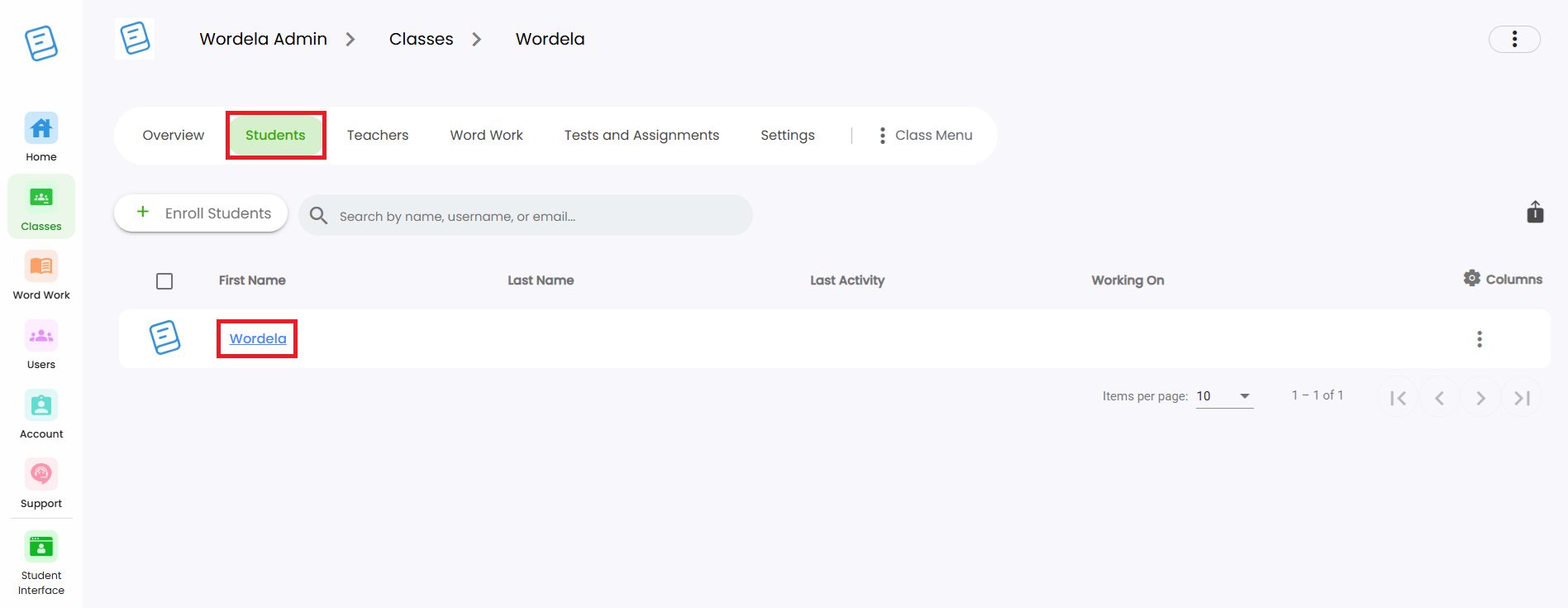
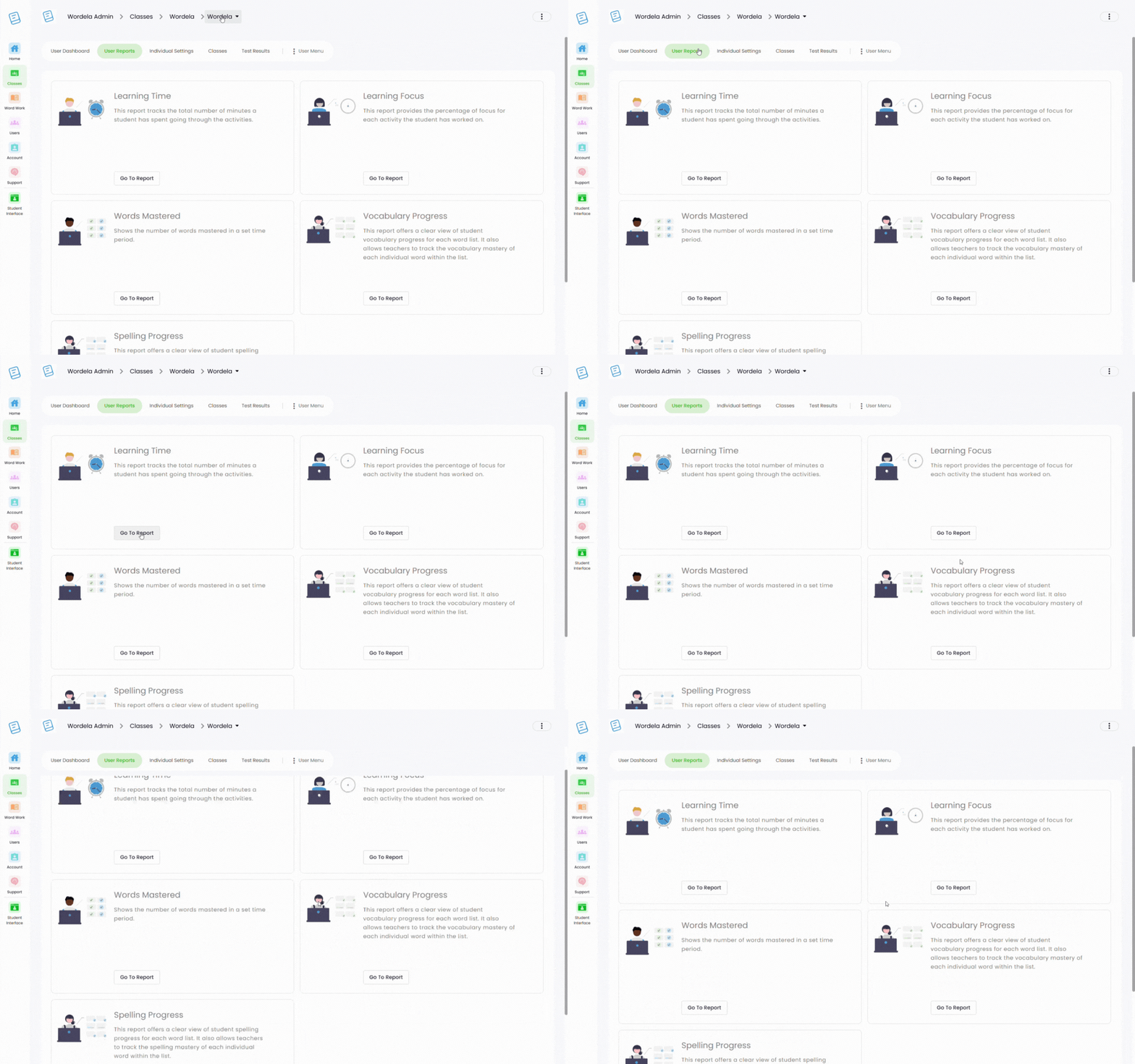
1. Go to your Class, click the Students tab, then select the student by clicking on their first or last name. 2. You’ll be taken to their User Dashboard, where you can view important details and manage their account.
Can admins also use Wordela?
As an Admin, you have full access to Wordela’s learning platform—just like your students. You can switch between the Admin Interface and your own Student Interface at any time. Why Use the Student Interface? Explore all the learning features your ...